
One window for everything AI should do in your daily work.
The MadeForPrivacy client is your everyday interface: start agents, drag files in, get results as structured items, ask Neva. It runs as a desktop app for Windows or in the browser, with company sign-in and no data left behind on the hard drive.
In everyday work
From input to result, no detours.
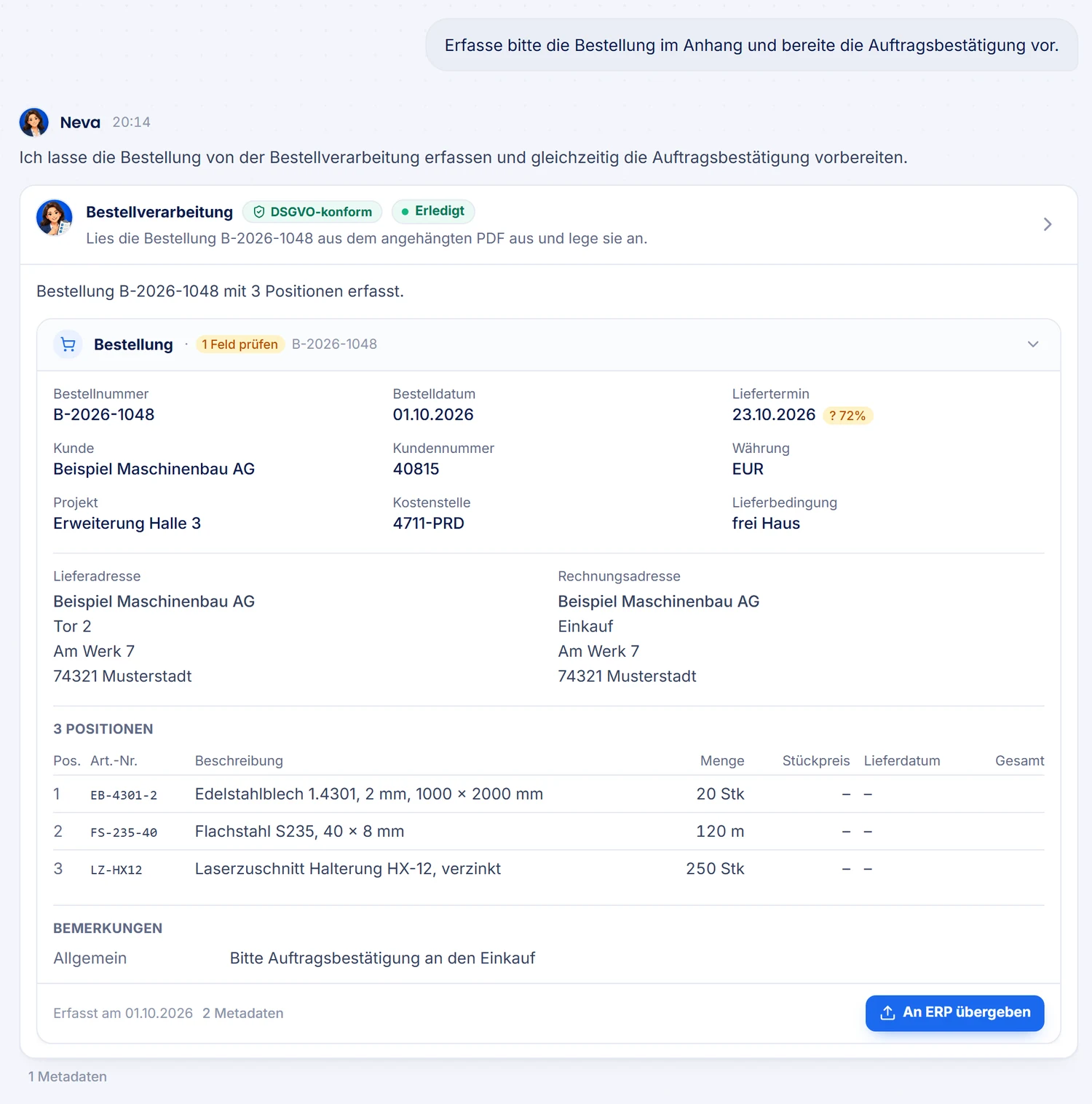
You drag files in from Explorer or Outlook, paste text from the clipboard or ask a question. The right agent answers with text and with items you can keep working with.
- Desktop app for Windows (MSI)
- In the browser
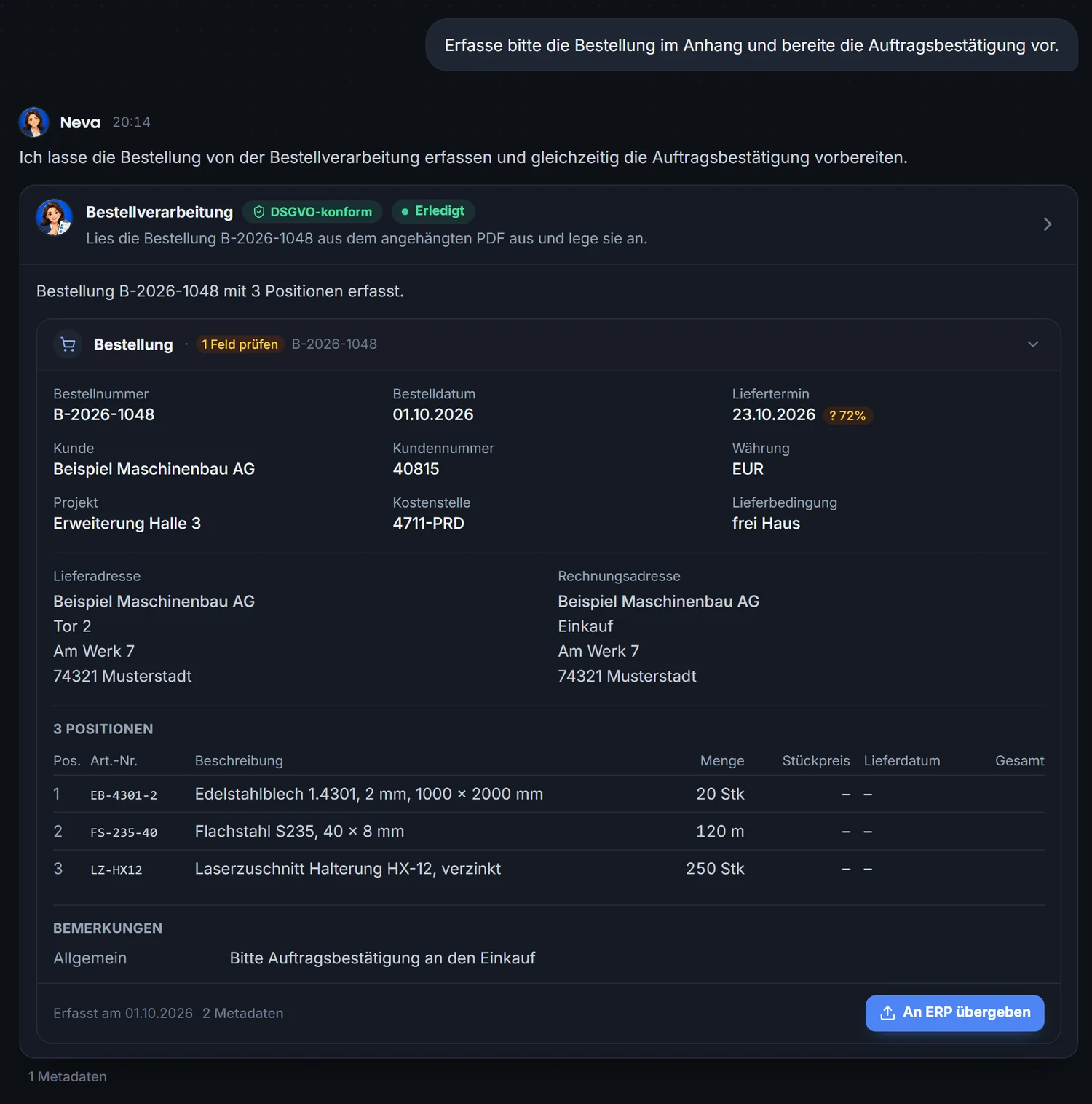
- Light & dark theme
- Drag & dropDrag files and emails straight into the conversation; size and type are checked before upload.
- Structured resultsThe client shows lists, tables, documents and key figures each in their own view instead of as running text.
- Finished documentsWord, Excel, PowerPoint or PDF on your letterhead, with calculated figures instead of placeholders.
- Action buttonsA result can offer the next step, such as booking, sending or filing. It only runs after you confirm it and stays traceable.
- NevaThe personal assistant as your entry point: answers, remembers, delegates to specialists.
- Signals & rulesAgents report events; your rules decide locally when Neva gets in touch with you.
Choosing agents
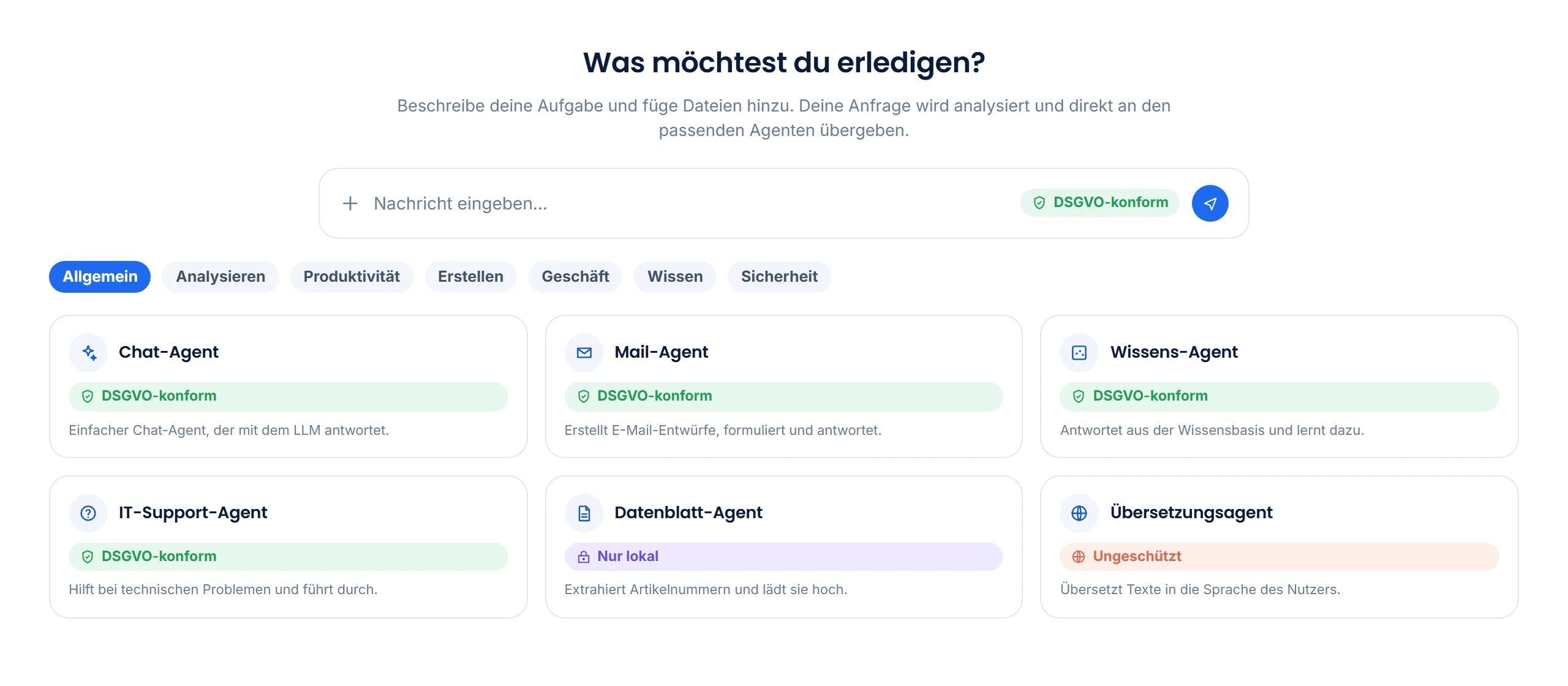
Three ways to the right agent. Any one will do.
You pick directly from categories and favorites, describe the task for dynamic agent selection or ask Neva. The data zone is always visible next to the input, and you set it there.
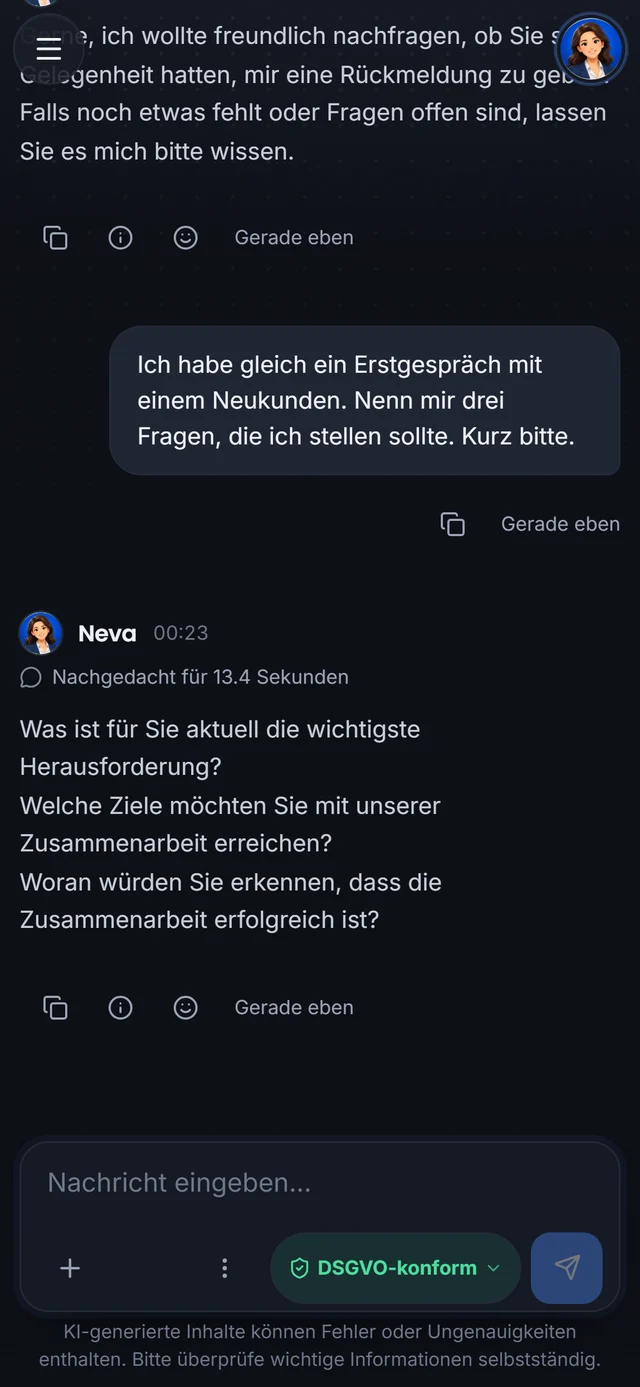
Also as an app
The client on iPhone, iPad and Android.
Neva, your agents and the data zones also come as an app, plus widgets on the Home Screen, sharing from other apps and, if you want, the device’s calendar and contacts.
Security
After you sign out, nothing is left on the disk.
The desktop client keeps decrypted data in memory only. Anything stored permanently goes into an encrypted vault per user. This also applies on shared computers and with roaming profiles.
In-memory session
The interface's browser storage exists only in RAM. Every sign-in starts empty and loads only the signed-in user's data.
Encrypted vault per user
Settings and local data are stored as individually encrypted entries per user. A second Windows user cannot see any of it.
Kerberos SSO
On the domain, the client signs you in without a password prompt. Alternatively LDAP, Entra ID or another provider of your choice.
Encrypted backups
Client backups are encrypted with AES-256-GCM and include the vault entries. You use them when you switch computers or need to restore.
Connection only to your server
The client talks only to your MadeForPrivacy installation, over TLS. There is no telemetry service and no third party in between.
Permissions from the directory
Which agents, Knowledge content and settings you see is determined by your groups. There is no separate permission management in the client.
For administrators
Operations and configuration in the same client.
Anyone with the right section permission opens the server settings directly in the app: agents, workers, tools, AI services, Knowledge, authentication, users, licenses. Status, usage, logs and feedback come on top, with no second tool needed. Every setting has its documentation right next to the field.
- Every field documented in placeEvery setting comes with its field documentation in the client: what it does, which values are valid and what it triggers. You need no separate manual and no searching in the wiki.
- Section permissionsAdmin rights per settings section, not all or nothing.
- Change historyWho changed what and when, with rollback for critical fields.
- Fields that require a restart are flaggedThe client tells you in advance what needs a restart.
Live demo
See the client with your files.
In the live demo we work with a real case of yours, such as an invoice, an order or your mailbox, and show you what ends up in the client.